
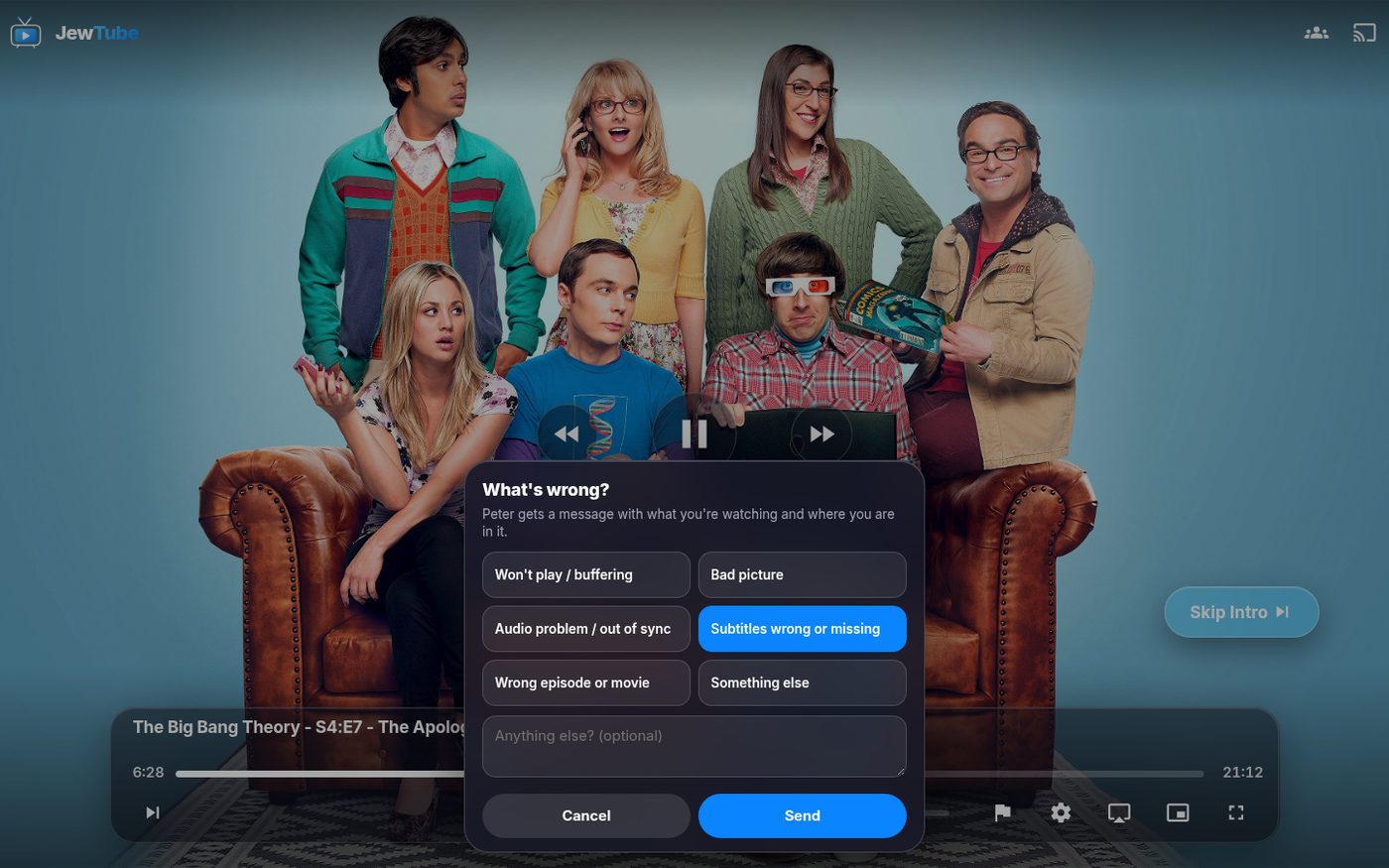
JewTube just got its biggest update yet: a whole new look, a new home screen, a redesigned player, and a brand-new 🚩 Flag button so you can tell Peter when something's wrong without texting him screenshots.
🚩 New: the Flag button
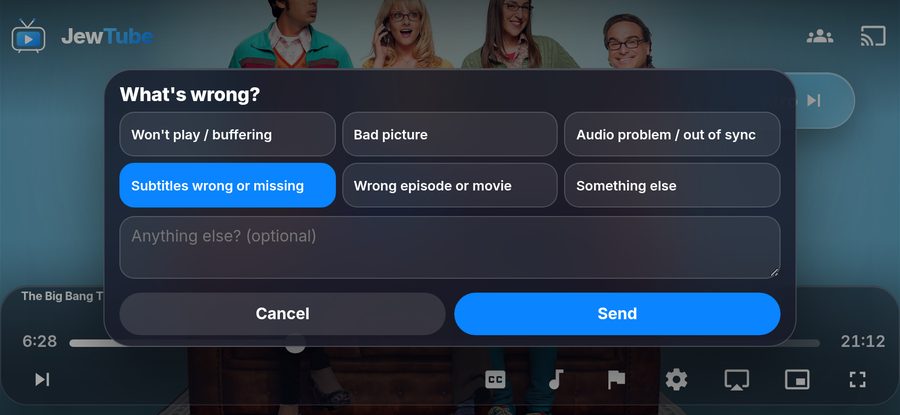
Something off with what you're watching? Won't play, keeps buffering, bad picture, audio out of sync, subtitles wrong or missing, wrong episode?
- While it's playing, tap the screen and hit the 🚩 flag on the bottom bar
- Pick what's wrong (and add a note if you want)
- Tap Send
Peter instantly gets a message with exactly what you were watching and the minute you were at, so he can fix it.
A new look
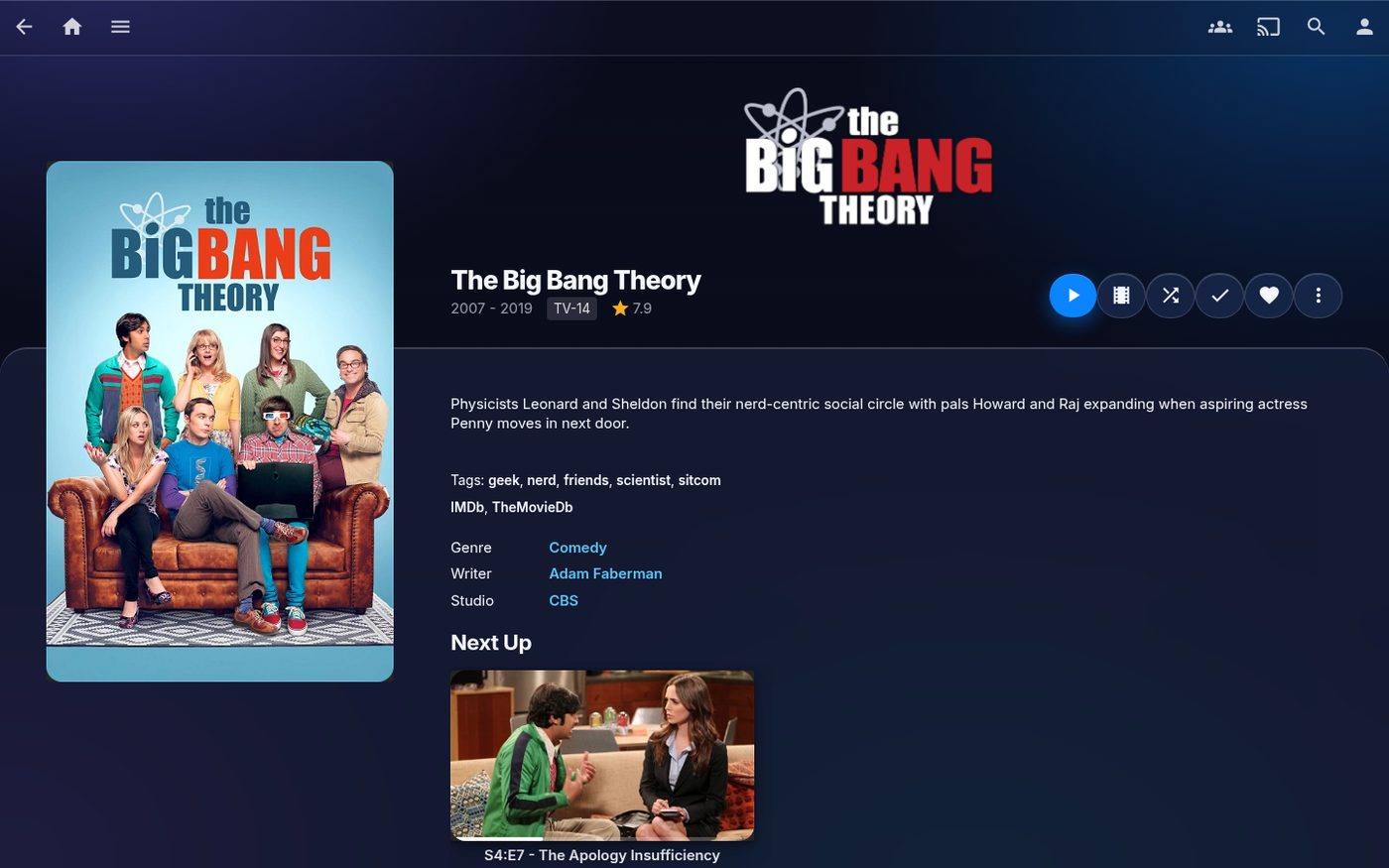
JewTube now has a glassy, iPhone-style design with the new JewTube logo: frosted panels, rounded posters, and cleaner pages for every movie and show.
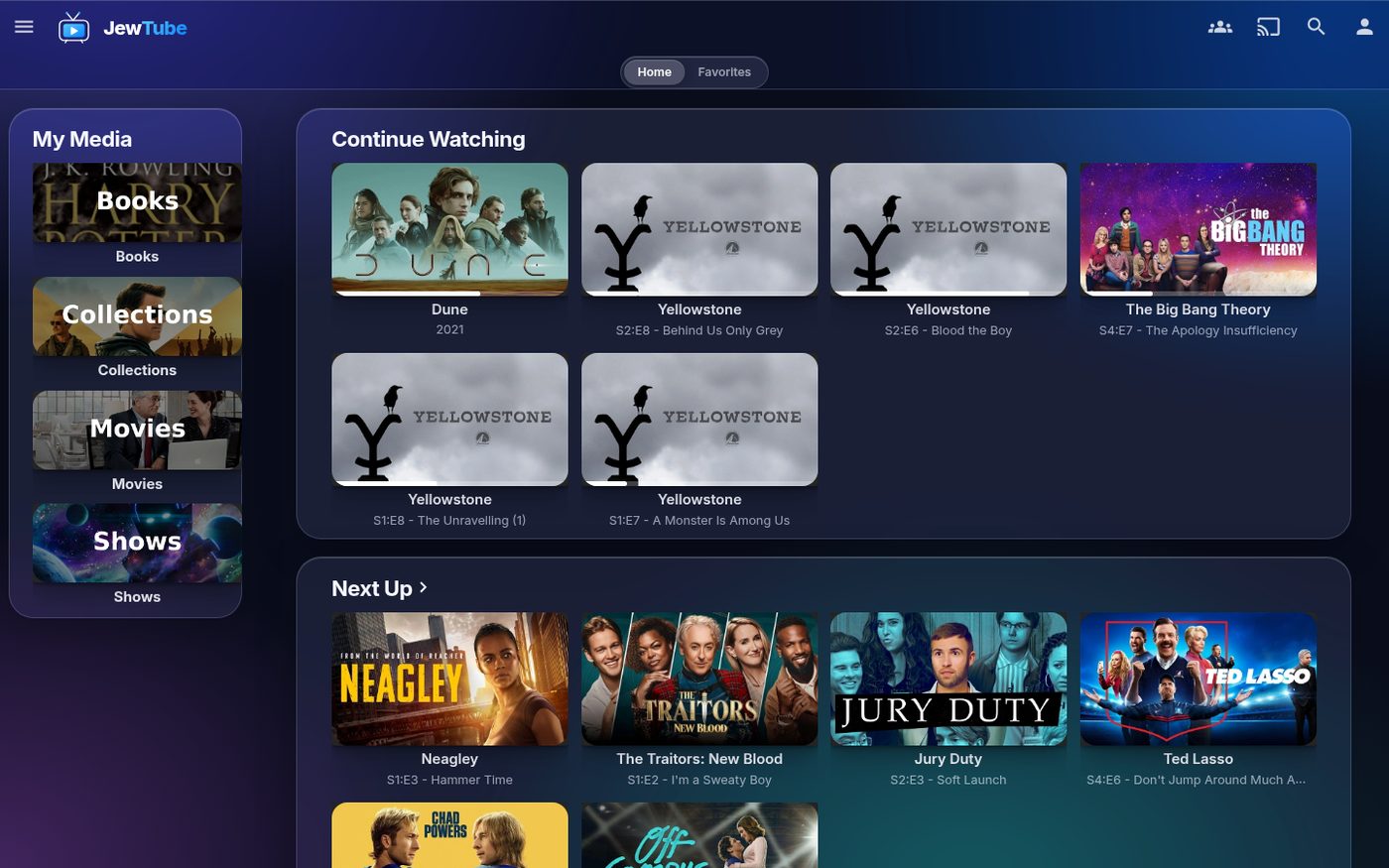
A smarter home screen
- Your libraries live in a sidebar on the left (Books, Collections, Movies, Shows), and everything else is laid out as tidy grids instead of endless sideways scrolling.
- Popular on JewTube: what everyone on the server has been watching the most this month.
- Because you watched…: movies like ones you've finished.
- Discover: trending movies and shows that aren't on JewTube yet. Tap one to see it and request it.
- My Requests: what you've asked for.
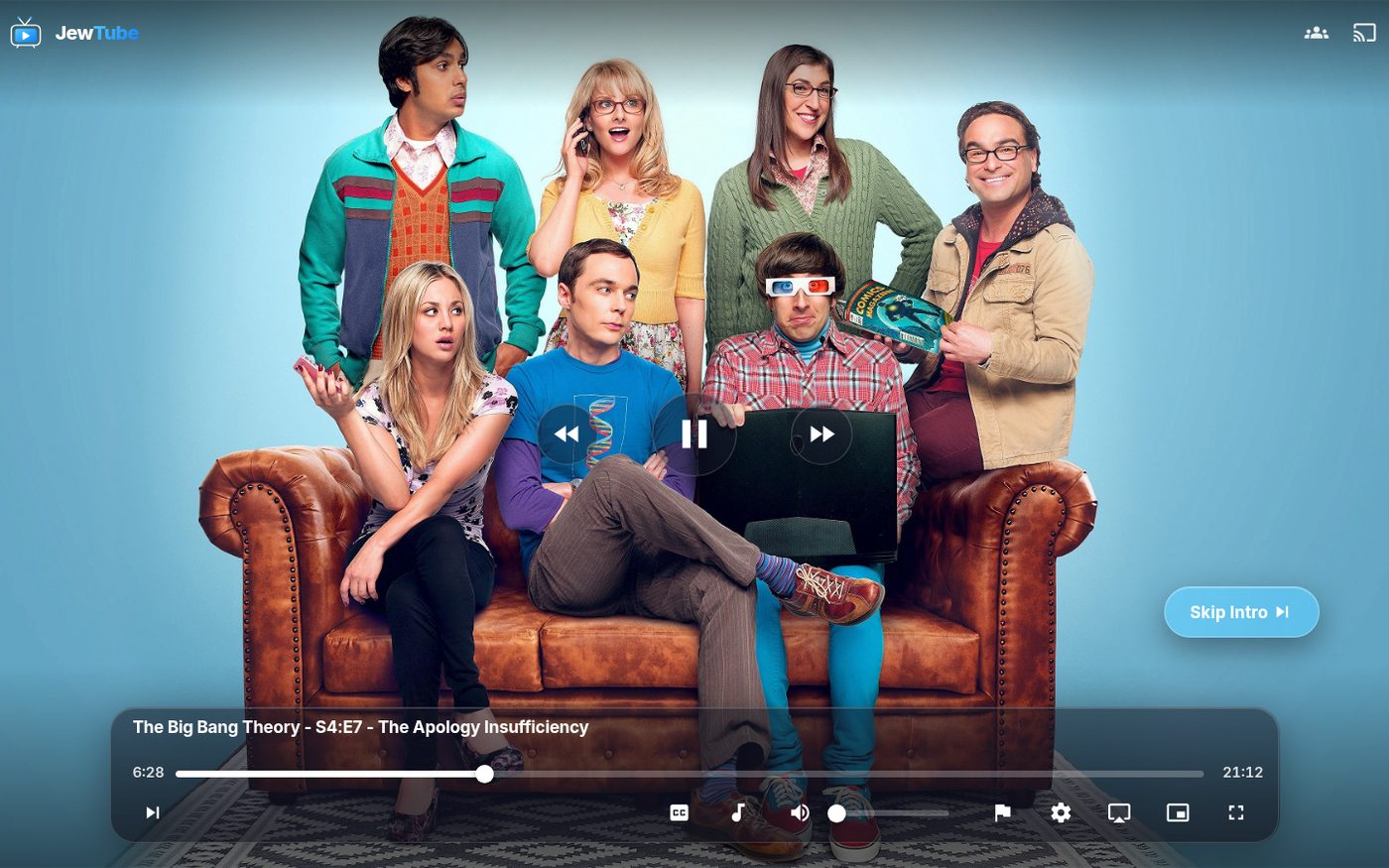
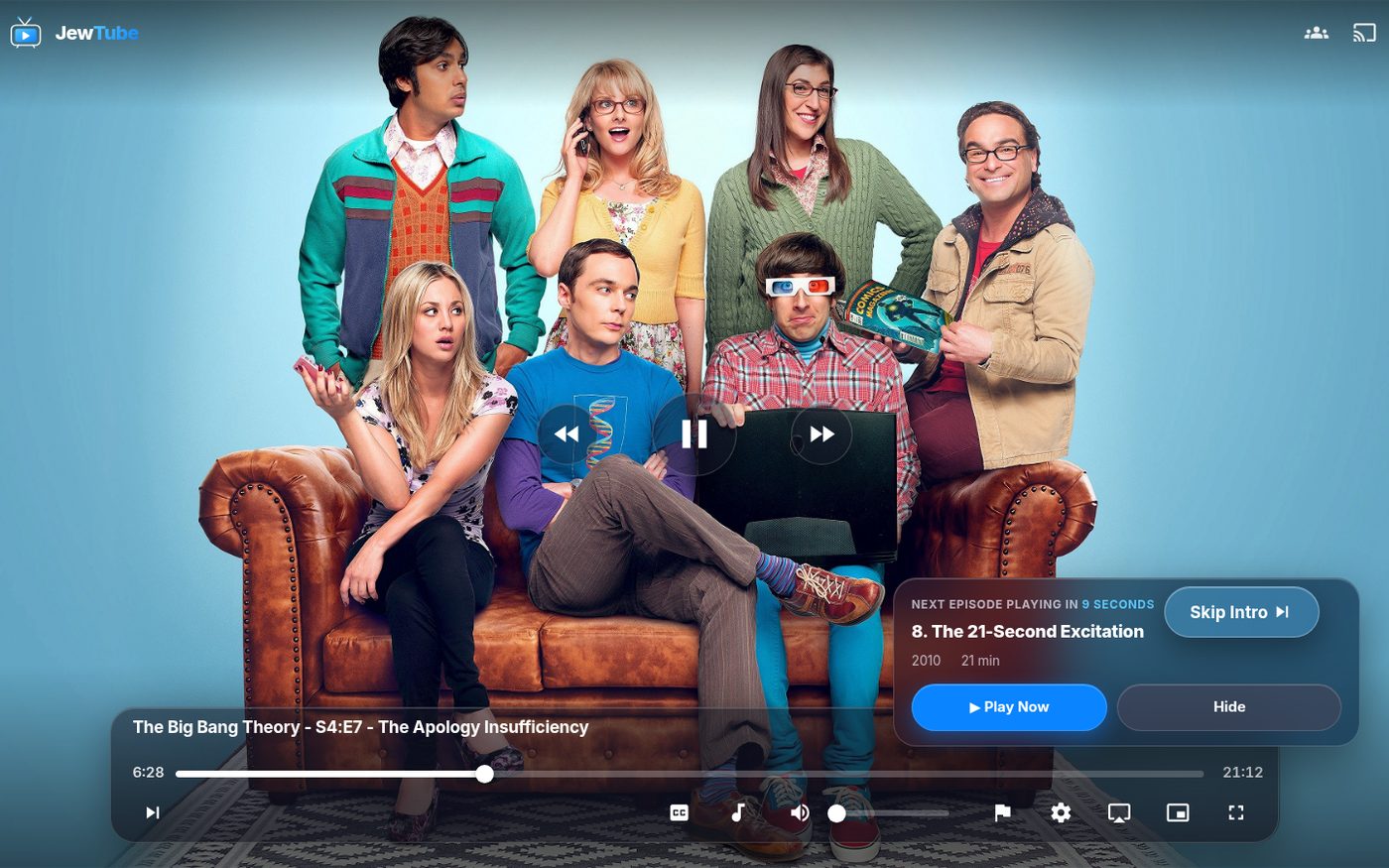
A redesigned player
- Big play, rewind and fast-forward buttons right in the middle, like the iPhone player
- Everything else sits on one frosted bar at the bottom, with bigger buttons that are easier to hit
- Skip Intro / Skip Credits shows up as a big button when there's an intro or credits to skip
- At the end of an episode, the Up Next card has a big ▶ Play Now button
Good to know
- The new look works in the browser and the Jellyfin app on your phone or computer. The Fire TV / Android TV apps look the same as before.
- Everything else works like it always did: your watch history, Continue Watching and requests are all still there.
- If the old look still shows up, close and reopen the app (or refresh the page).
Enjoy, and don't be shy with that 🚩 button!